How to Test RTL Layouts for Arabic and Hebrew Websites
What breaks when a website switches to right-to-left: direction attributes, mirrored layouts, icons, mixed Arabic and Latin text, numbers and forms. A practical RTL testing checklist.
November 16, 2026 · By Loqalit Team
To test a right-to-left layout, load every page in Arabic or Hebrew and check four things: the document direction is set, the layout mirrors where it should, icons and media that must not mirror stay as they are, and mixed-direction text such as brand names, numbers and email addresses reads in the right order. Most RTL bugs come from CSS written with physical left and right instead of logical start and end.
What breaks in RTL layouts?
- Missing direction: the page is in Arabic but
diris not set tortl, so text aligns left and punctuation lands on the wrong side. - Physical CSS:
margin-left,padding-rightandtext-align: leftstay the same in RTL, so spacing and alignment end up on the wrong side. - Icons pointing the wrong way: back and forward arrows, chevrons in menus and progress indicators.
- Garbled mixed text: a Latin product name, a phone number or a price in an Arabic sentence appears in the wrong order.
- Forms: inputs for email addresses, URLs and phone numbers that should stay left-to-right inside an RTL form.
How do you set direction correctly?
Set lang and dir on the root element, and write CSS with logical properties so the layout flips by itself:
<html lang="ar" dir="rtl">

.card { margin-inline-start: 16px; padding-inline-end: 8px; text-align: start; }
/* not: margin-left, padding-right, text-align: left */
What should and shouldn’t be mirrored?
| Mirror | Don’t mirror |
|---|---|
| Page layout, navigation order, sidebars | Logos, photos and video |
| Back and forward arrows, chevrons | Media controls such as play and pause |
| Progress bars and steppers | Clocks and checkmarks |
| Text alignment and form labels | Code, email addresses, URLs, phone numbers |
How do you handle mixed-direction text?
Wrap inserted values whose direction you don’t know, such as user names or product names, in <bdi> or give them unicode-bidi: isolate, so the browser’s bidirectional algorithm can’t reorder the surrounding sentence. Give inputs for email, URL and phone dir="ltr".
<p>مرحبا <bdi>{userName}</bdi>، لديك ٣ رسائل جديدة</p>
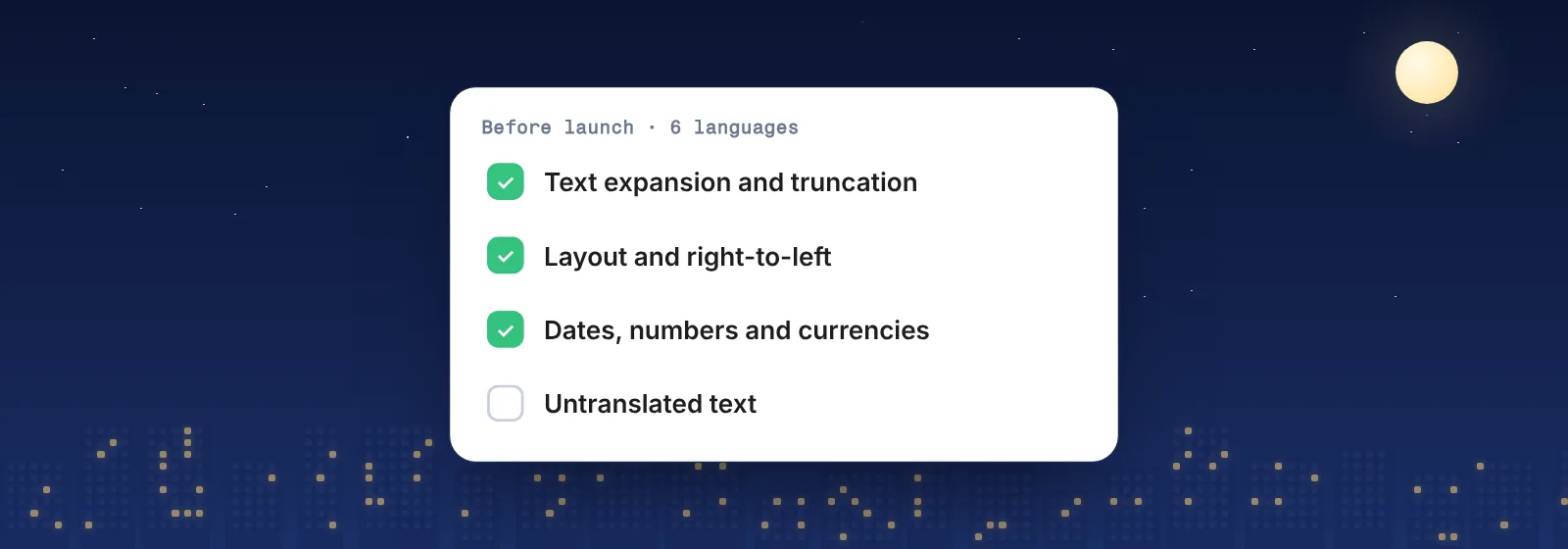
An RTL testing checklist
langanddir="rtl"are set on every RTL page.- Navigation, sidebars and steppers start on the right.
- Arrows and chevrons point the way the reader moves; logos and media are unchanged.
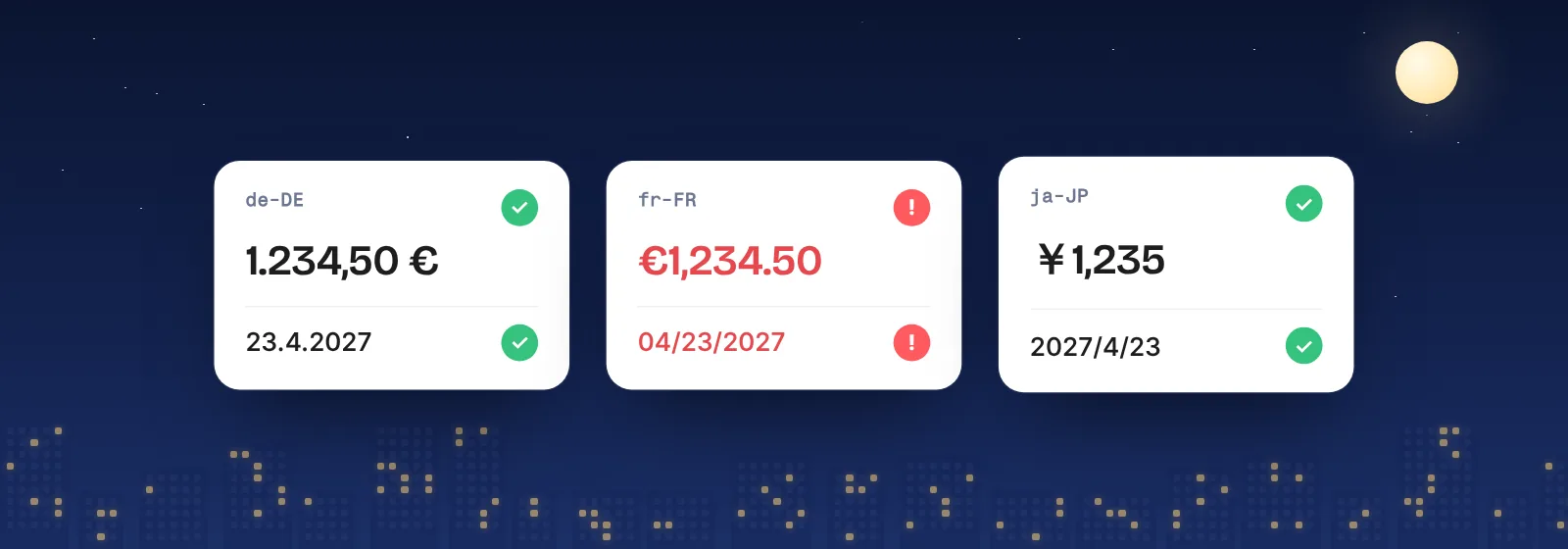
- Brand names, numbers, prices and dates read correctly inside Arabic or Hebrew sentences.
- Form fields for email, URL and phone stay left-to-right.
- No English text remains, including in images, tooltips and error messages.
- Long Arabic words and labels don’t clip or overlap.
How Loqalit helps
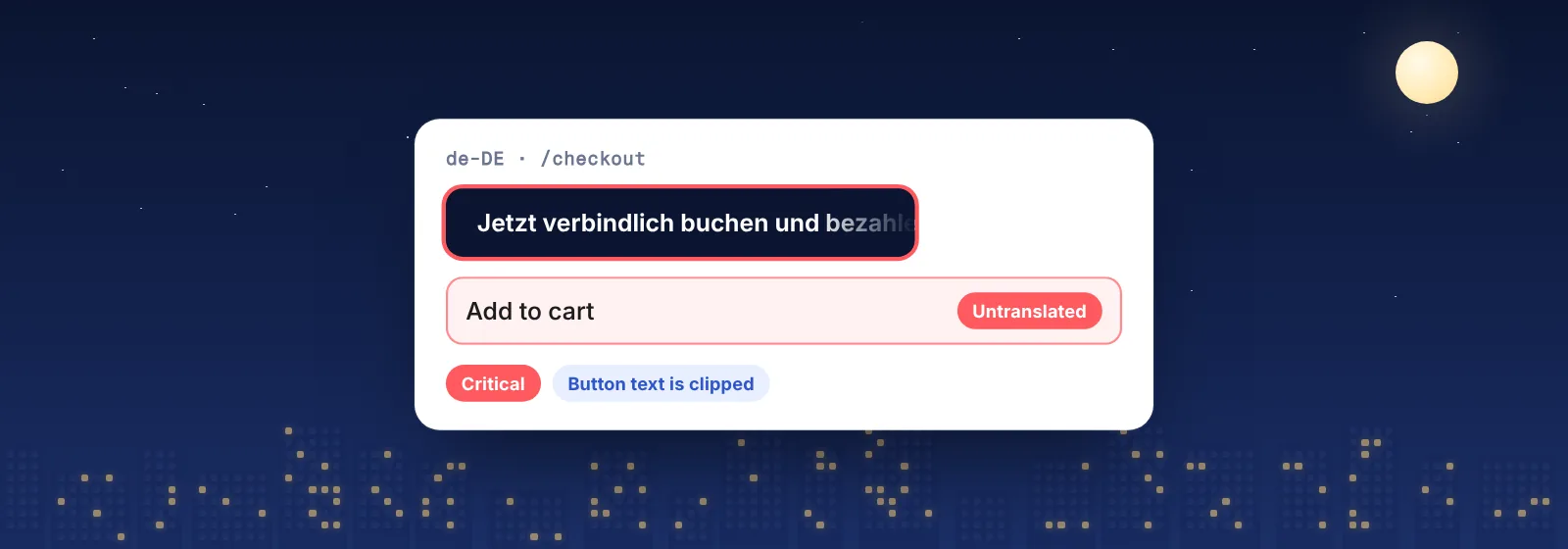
Loqalit opens your pages in every language you ship, Arabic and Hebrew included, in a real browser and on a schedule. It flags untranslated and mixed-language text, clipped labels and unfilled placeholders, and the AI analysis reviews each string in the context of the rendered page. Every finding comes with a screenshot, so a reviewer sees the RTL page exactly as a user does.
Localization QA for live websites → · The localization QA checklist →
Schedule it. Forget it. Ship it.
Start with a free QA report. We scan your live site in up to 3 languages and email you the findings with screenshots, MQM severities and suggested fixes.