Dates, Numbers and Currencies by Locale: A Localization QA Guide
How dates, numbers and currencies should look in each locale, with real outputs for German, French, Indian English, Japanese and Arabic, the bugs teams ship most often, and how to catch them on the page.
November 16, 2026 · By Loqalit Team
Dates, numbers and currencies must follow the conventions of each locale: the order of day and month, the decimal and grouping separators, where the currency symbol goes and even which digits are used. The safest way to get them right is to format every value with the locale’s rules at render time, using Intl or your i18n library, and then to check the rendered page in every language, because hard-coded and server-side formats slip past string review.
What changes between locales?
- Decimal and grouping separators: 1,234.50 in English is 1.234,50 in German and 1 234,50 in French, where the thousands separator is a narrow no-break space.
- Digit grouping: Indian English groups by two after the first thousand: 12,34,567.8.
- Currency position and spacing: $1,234.50, 1.234,50 €, R$ 1.234,50.
- Date order and separators: 4/23/2027, 23/04/2027, 23.4.2027, 2027/4/23.
- Digits: Arabic locales such as ar-EG can use Arabic-Indic digits: ١٬٢٣٤٫٥.
What do real outputs look like?
The table shows what Intl.NumberFormat and Intl.DateTimeFormat return for 1234.5 and 23 April 2027. Output from Node.js with ICU 78; browsers can differ slightly between versions.
| Locale | Currency | Date |
|---|---|---|
| en-US | $1,234.50 | 4/23/2027 |
| en-GB | — | 23/04/2027 |
| de-DE | 1.234,50 € | 23.4.2027 |
| fr-FR | 1 234,50 € | 23/04/2027 |
| pt-BR | R$ 1.234,50 | 23/04/2027 |
| tr-TR | ₺1.234,50 | 23.04.2027 |
| en-IN | ₹1,234.50 | — |
| ja-JP | ¥1,235 | 2027/4/23 |
| ar-EG | ١٬٢٣٤٫٥٠ ج.م. | ٢٣/٤/٢٠٢٧ |
new Intl.NumberFormat("fr-FR", { style: "currency", currency: "EUR" }).format(1234.5);
// "1 234,50 €" (narrow no-break space, then a no-break space before €)
new Intl.DateTimeFormat("de-DE", { timeZone: "UTC" }).format(new Date(Date.UTC(2027, 3, 23)));
// "23.4.2027"
Note the yen: Japanese yen has no minor unit, so 1234.5 becomes ¥1,235. A template that always shows two decimals is wrong for JPY.
Which format bugs ship most often?
- Formats built by hand: a template such as
"$" + price.toFixed(2)ignores the locale entirely. - Server-side formatting in one locale: an API returns
"1,240.00"as a string, and every locale shows it the same way. - Mixed formats on one page: the cart total is localized but the line items are not, so a German page shows 1.250,00 € next to €1,240.00.
- Ambiguous dates: 03/04/2027 means 3 April in Spain and March 4 in the United States. On a booking page that is a real error, not a style issue.
- Wrong currency for the market: the number is localized, but the currency is still the default one.
How do you test locale formats?
- Unit-test your formatters with a fixed date and amount in every locale you ship, like the table above.
- Search the code for hand-built formats: currency symbols in templates,
toFixednext to a symbol, fixed date patterns such asMM/DD/YYYY. - Check the rendered page in each locale, because values often arrive pre-formatted from an API or a CMS. Look for mixed separators and date orders on the same page.
- Re-check after each release, since a new component or a new API field can bring back the default format.
How Loqalit checks formats on the page
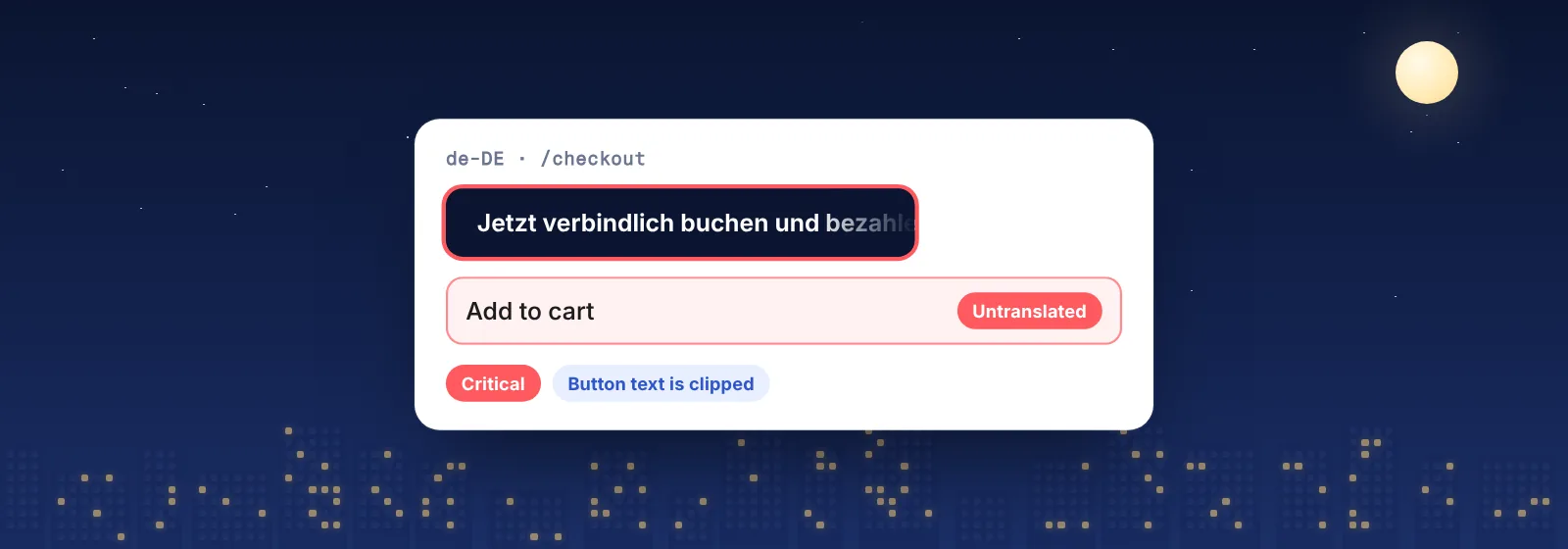
Loqalit opens your live or staging pages in every language in a real browser, on a schedule. Rule-based checks flag number and currency formats that are inconsistent within a page and across locales, and the AI analysis reviews dates, prices and units in context. Every finding comes with a screenshot of where it appears, an MQM severity and a suggested fix.
Localization QA for fintech and crypto → · The localization QA checklist →
Schedule it. Forget it. Ship it.
Start with a free QA report. We scan your live site in up to 3 languages and email you the findings with screenshots, MQM severities and suggested fixes.